How to Respond to a Google Review That Gets the Facts Wrong
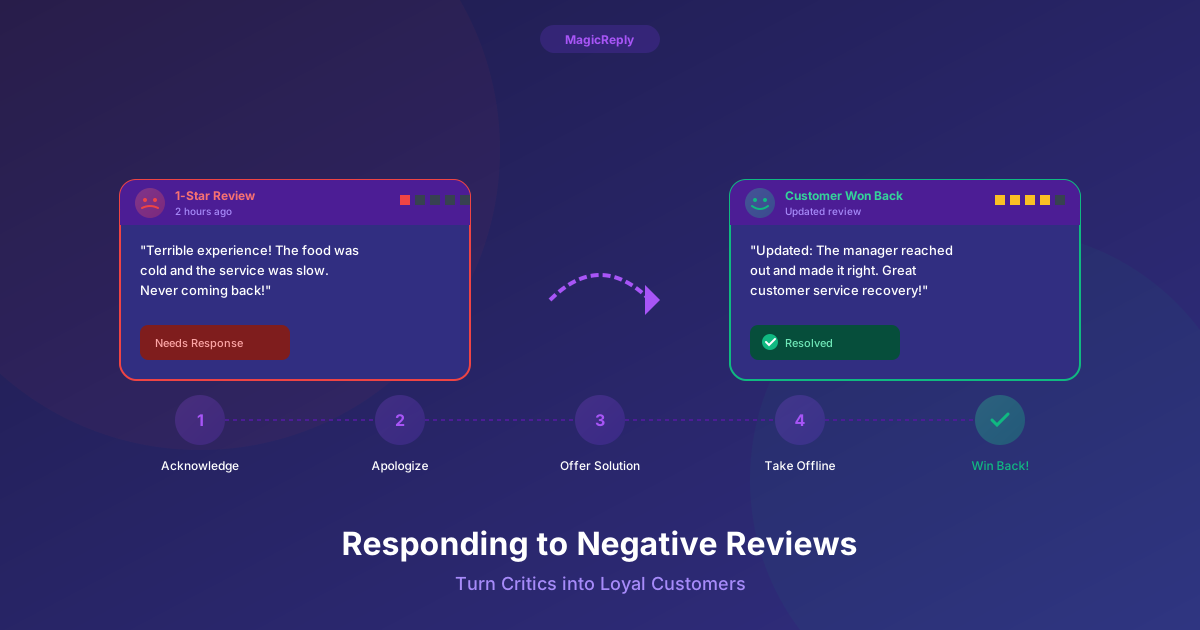
Most advice about negative reviews assumes the customer is right about what happened and upset about it. This post is about a different case: the review states something that is not true. The bill was not what they say, the shop was open that day, nobody by that name works there, or the reviewer is describing a different business altogether.
It is tempting to set the record straight point by point. A short, calm correction usually does more for you, because the person you are really writing for is the next customer reading the review, not the reviewer.
First, make sure it really is wrong
Before you reply, check your own records. A review that feels false is often a real experience described loosely.
- Look up the visit: receipts, the booking system, work orders, call logs or the staff schedule for that day.
- Ask the people who were working. A "rude manager" may be a shift lead the reviewer took for a manager.
- Check whether the reviewer could be describing another of your locations, or a business with a similar name nearby.
- Separate facts from opinions. "We waited an hour" can be checked. "The food was bland" is an opinion, and it does not need correcting.
If your records show the reviewer has the facts right, this is an ordinary negative review, and the usual approach applies: acknowledge it, apologize for what went wrong and move the conversation offline. Our guide to negative reviews covers that case.
Work out which kind of wrong it is
Factual errors fall into a few groups, and each one calls for a slightly different reply.
- A detail is wrong but the visit happened: the price, the date, the wait, someone's role. Reply, acknowledge the experience and correct the detail once.
- The reviewer misunderstood a policy: a fee, a deposit, a return window, a booking rule. Reply and explain the policy and the reason for it in plain words.
- The review is about a different business: the reviewer mixed you up with a competitor or a neighbor. Reply politely, and consider reporting it to Google as well.
- The review does not describe a real customer experience at all, such as spam or a review from someone with a conflict of interest. Report it to Google. A short, neutral reply is optional.
The structure of a good correction
A reply that corrects a fact works best when it follows the same order every time.
- 1Thank them for the review, briefly and without sarcasm.
- 2Acknowledge the part you can agree with, such as the frustration, the wasted trip or the surprise.
- 3State the correct fact once, plainly. Leave out "actually", capital letters and exclamation marks.
- 4Offer a direct way to sort it out: a phone number, an email address or a named person.
- 5Sign it with a real name and role, so it reads as a person and not a brand account.
Leave out anything that reads as an accusation. "You are lying" and "This never happened" invite a reply, and a public argument tends to look worse for the business than for the reviewer, whoever is right.
Example replies for common factual errors
The reviews below are invented examples, not real reviews. Replace the parts in square brackets with your own details, and check every fact before you post.
The price is wrong. Example review: "Charged me way more than the price they quoted on the phone." Example reply: "Thank you for the review, and we're sorry the bill was a surprise. The price we quote for [service] is [price]. The final invoice can be higher when extra work is approved during the visit, and we always list that work separately. We'd be glad to go through the invoice with you line by line. Please call [Name] at [phone]. [Your name], [Role]"
The hours or the listing are wrong. Example review: "Drove over on Sunday and they were closed even though Google said open." Example reply: "We're sorry you made the trip for nothing. Our hours are [hours], and we've checked that our Google listing shows the same. If you saw something different, please tell us at [email] so we can get it corrected. We hope to see you soon. [Your name], [Role]"
Before you send that one, open your Business Profile and confirm the hours really are right. Google accepts suggested edits from the public, so it is worth checking that the hours, phone number and address are still what you set. Sometimes the reviewer is right about the listing and wrong about who changed it.
The review is about another business. Example review: "Ordered a pizza for delivery and it took forever." (Left on a bakery that does not deliver or sell pizza.) Example reply: "Thank you for the review, and we're sorry about the wait. We think this may be meant for another business, as we don't offer delivery or make pizza. If we've got that wrong, please call us at [phone] and we'll look into it straight away. [Your name], [Role]"
The reviewer misread a policy. Example review: "They kept my deposit. Total scam." Example reply: "We're sorry this was frustrating. Deposits for [service] are non-refundable within [time period] of the appointment, which is in the booking confirmation, because that time is held for you and can't be offered to anyone else. If something outside your control came up, please contact [Name] at [phone] and we'll see what we can do. [Your name], [Role]"
What not to put in a correction
- Private details. Do not post order history, appointment details, account information or anything else the reviewer did not share. In the US, healthcare providers need extra care here: HIPAA applies to public review replies, and regulators have penalized dental practices for replies that disclosed patient information.
- Evidence. Security footage, screenshots of messages and call recordings do not belong in a reply. Offer to go through what happened privately.
- Conditions. Fixing the problem is fine. Making the fix depend on the review being changed or removed is not. Google's review policies do not allow offering anything in exchange for reviews, and in the US the Federal Trade Commission's 2024 rule on consumer reviews and testimonials targets businesses that try to suppress honest negative reviews.
- Guesses about who wrote it. Even if you suspect a competitor or a former employee, saying so in public can backfire. Report the review instead.
- Legal threats. A reply is the wrong place for them, and they tend to draw more attention to the review.
When to report the review instead
A reply corrects the record for readers. It does not remove the review. If the review breaks Google's rules, you can also report it from your Business Profile: find the review, open the menu next to it and choose the option to report it. Google's prohibited and restricted content policy covers things like spam and fake engagement, off-topic content, conflicts of interest, harassment and personal information.
A review being unfair, or wrong about a detail, is usually not enough on its own. Google generally does not remove a review because the business disagrees with it, which is why a calm public reply still matters. Google also offers a reviews management tool where you can check the status of reviews you have reported and appeal a decision.
After you reply
- Fix anything the review revealed, even if the review itself was wrong. Out-of-date hours on your profile, or a policy customers keep misreading, is worth changing.
- Reviewers can edit their reviews, and you can edit your reply. If they update the review after you talk, update your reply so the two still make sense together.
- Keep a short note of the review, what you checked and what you replied, in case the reviewer contacts you again or you decide to report it later.
Draft the first version faster
The hardest part of a correction is writing it without sounding defensive. The free MagicReply review reply generator lets you paste a review, choose a tone and get a draft to edit, with no account needed. Add the correct fact yourself and check every detail before you post.
If reviews arrive every week, MagicReply connects to your Google Business Profile and drafts a reply to each new review in your business voice. You edit and post from one place, and paid plans can also post replies automatically based on rules you set.
Try a reply before you sign up
Paste a Google review and get a free AI draft. No account needed.