How to Get More Google Reviews: 10 Strategies That Actually Work
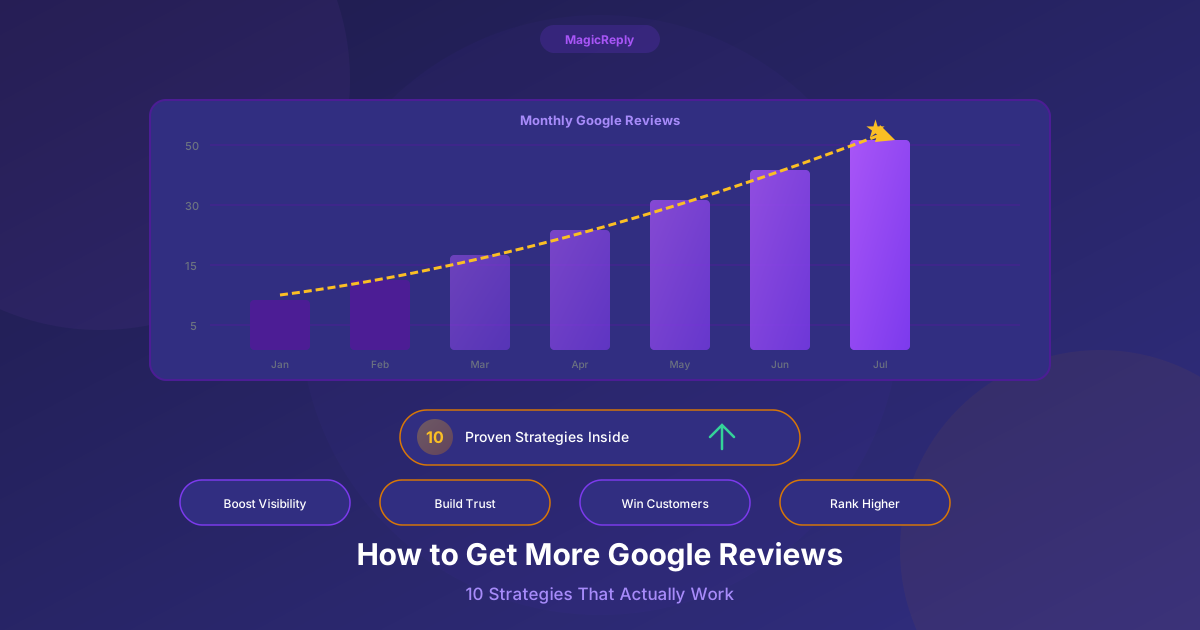
Google reviews are the modern word-of-mouth. They influence buying decisions, determine your visibility in local search, and serve as social proof that can make or break a potential customer's choice between you and a competitor.
But getting more reviews doesn't happen by accident. Here are 10 strategies that consistently work across every industry.
1. Ask at the Moment of Delight
Timing is everything. The best time to ask for a review is immediately after a positive interaction — what we call the "moment of delight."
This could be:
- Right after a customer compliments your service
- When a project is delivered successfully
- After a customer says "thank you" or "that was great"
- When they pick up their completed order and smile
The script: "I'm so glad you had a great experience! Would you mind leaving us a quick Google review? It really helps other people find us."
Why it works: You're asking when the positive emotion is highest. Asking a week later via email catches them when they've moved on.
2. Make It Ridiculously Easy
Every extra step between "I'll leave a review" and actually submitting one is a drop-off point. Remove all friction:
Create a Direct Review Link
Google lets you create a short link that takes customers directly to your review form:
- 1Search for your business on Google
- 2Click "Ask for reviews" in your Business Profile dashboard
- 3Copy the short link Google provides
Put the Link Everywhere
- Print it as a QR code on receipts, menus, and business cards
- Add it to your email signature
- Include it in post-purchase confirmation emails
- Display it on a sign at your checkout counter
- Add it to your website's footer
The easier you make it, the more reviews you'll get. Period.
3. Respond to Every Review You Already Have
This might sound counterintuitive, but responding to existing reviews is one of the best ways to get new ones.
Here's why:
- Customers see that you actually read and respond to reviews, so leaving one feels worthwhile
- Google's algorithm rewards active engagement, giving your profile more visibility
- It creates a culture of conversation around your brand
Answering the reviews you already have gives the next customer a reason to leave one.
When customers see that a business takes the time to write a personal, authentic reply — not a copy-paste template — they feel like their review would actually be read. That's what drives the behavior.
Pro tip: Responding to reviews takes time. MagicReply generates personalized, brand-voice-matched responses in seconds so you can reply to each new review without spending hours writing. Try it free.
4. Send a Follow-Up Email or Text
If you collect customer email addresses or phone numbers, a well-timed follow-up is one of the most effective review-generation strategies.
Timing: Send 1-3 hours after the interaction, while the experience is still fresh.
Keep it short:
"Hi [Name],"
"Thanks for visiting [Business Name] today! If you have 30 seconds, we'd really appreciate a Google review. It helps other customers find us."
"[Direct Review Link]"
"Thank you!"
Key rules:
- Only send one request (don't spam)
- Make it personal (use their name)
- Include the direct link (not "search for us on Google")
- Don't offer incentives for reviews (Google prohibits this)
5. Train Your Team to Ask
Your front-line employees interact with customers far more than you do. Empower them to ask for reviews naturally.
Train them with specific language:
- "If you enjoyed your visit, a Google review would mean the world to us"
- "We're trying to reach [X] reviews this month — would you mind helping us out?"
- "Your feedback on Google helps other customers decide to try us"
Make it part of the workflow, not an afterthought. The checkout process, the appointment wrap-up, the project handoff — these are natural moments to ask.
Tip: Some businesses incentivize their team (not the customer) — a small bonus for the team member who generates the most reviews that month. This is allowed by Google's terms.
6. Use In-Store Signage
Physical reminders work. Place review prompts where customers naturally pause:
- Checkout counter: A small sign with a QR code and "Loved your experience? Tell us on Google!"
- Waiting areas: Where customers have idle time and their phones in hand
- Restrooms: Yes, really. People check their phones. A small tasteful sign works.
- Tables/desks: Table tents with QR codes at restaurants
- Exit doors: The last thing they see before leaving
Design tip: Keep it simple. A QR code, your star rating, and a short prompt like “Review us on Google” is all you need.
7. Respond to Negative Reviews Professionally
This sounds like it belongs in a different article, but hear me out: how you respond to negative reviews directly impacts whether new customers leave reviews.
When potential reviewers see that you respond gracefully to criticism, they feel safe leaving honest feedback. They know they won't be attacked or ignored.
Conversely, if they see unanswered negative reviews (or worse, combative responses), they'll avoid engaging entirely.
8. Add a Review Request to Your Website
Your website is visited by customers who already know and use your business. Make it easy for them to leave a review:
- Add a "Review Us" button to your homepage
- Include a review CTA on your "Thank You" or order confirmation pages
- Add a review link to your contact page
- Display existing reviews on your site (social proof encourages more reviews)
9. Leverage Seasonal Moments
Certain times of year are natural review opportunities:
- After holiday rushes — customers who had great experiences during busy seasons
- Anniversary/milestone emails — "You've been with us for a year! Leave a review?"
- Post-event follow-ups — after catering, hosting, or special services
- New Year — "Start the year by sharing your experience"
These feel less transactional because they're tied to a specific moment, not a cold ask.
10. Don't Buy or Fake Reviews
This isn't a strategy — it's a warning. Never buy reviews, incentivize reviews with discounts/gifts, or create fake reviews.
Google is increasingly sophisticated at detecting fake reviews and will:
- Remove the fake reviews
- Penalize your listing's visibility
- Potentially suspend your Business Profile entirely
The reputational damage if customers discover fake reviews is far worse than having fewer genuine ones. Authenticity always wins in the long run.
The Virtuous Cycle of Reviews
Here's the beautiful thing about reviews: they compound.
- 1More reviews → higher Google ranking
- 2Higher ranking → more visibility
- 3More visibility → more customers
- 4More customers → more reviews
And when you respond to all of those reviews promptly and professionally, the cycle accelerates.
The businesses that win at reviews aren't doing anything magical. They're just consistent: they ask regularly, make it easy, and respond to every single one.
Keep Up With Every Review, Automatically
As your review count grows, keeping up with responses becomes a real challenge. MagicReply connects to your Google Business Profile and generates personalized, AI-powered responses for every review — so you can keep replying as your volume grows.
Try MagicReply free
AI-powered review replies that match your brand voice. Try free for 7 days.