How AI Is Changing Review Management in 2026
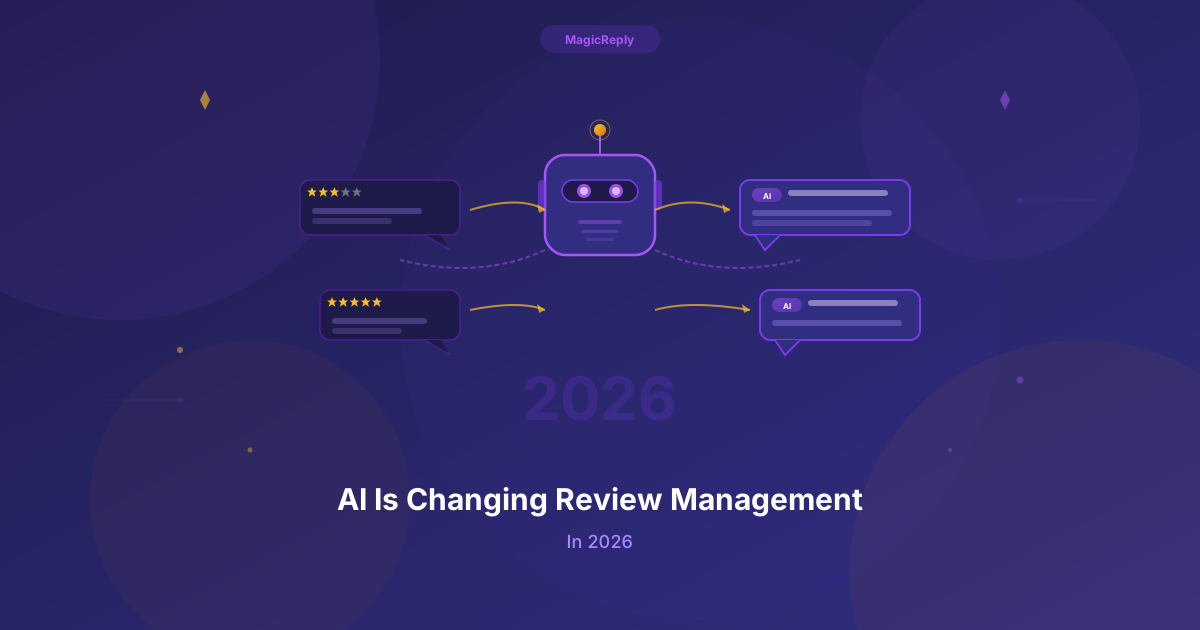
A few years ago, "AI review management" mostly meant sorting reviews into buckets and filling a name into a template. In 2026 the useful part is different. A tool reads the review, drafts a reply about what the customer actually said, and writes it close to the way your business already talks. Someone still decides what gets posted, and some reviews still need a person from the first word.
This post covers what has changed, what a business can hand to software now, what it should not, and how to judge a tool before you connect your Google Business Profile to it.
From templates to drafts that read the review
Template replies have a known problem. A customer who wrote three sentences about a slow Saturday lunch gets back "Thank you for your feedback, we hope to see you again soon." Anyone reading the page can tell nobody looked.
A current AI tool reads the review text and the star rating before it writes. It can thank someone for the dish they named, answer the wait they complained about, and keep the reply short when the review is short. It can also handle a review with stars and no text without inventing a story about the visit. Our guide to Google reviews with no comment shows what that looks like.
The draft is still a draft. The value is that the first version is about this review, so the person posting it edits a sentence instead of writing from a blank box.
Matching the voice you already use
The second change is voice. A family dental office and a late-night burger bar should not sound the same, and a reply that sounds like neither of them reads as outsourced.
Tools now handle this in two ways. The simple one is tone: you pick professional, friendly, empathetic, and so on, and the draft follows it. MagicReply offers 10 tones on every plan. The deeper one learns from replies you have already written. MagicReply's Voice Profile, on Pro and Business, reads replies your business has already written to reviews and needs at least 10 of them before it builds a profile. It picks up things like how formal you are, how you open a reply and sign off, how long your replies run, and whether you use emoji.
If you have fewer than 10 replies, write a few by hand first. That gives any tool, and any new staff member, something real to follow.
Rules for what posts on its own
The third change is automation with limits. Auto-reply used to mean every review got the same answer. Now it means rules.
In MagicReply, auto-reply is on Pro and Business, and the rules can match on the star rating, on words in the review, or on its sentiment. A rule can draft a reply and wait for you, post the reply for you, or skip the review. A common setup is to let five-star reviews with short, simple praise post on their own, and send anything under four stars, or anything that mentions a refund, an injury, or a staff member, to a person.
Start narrow. Turn on one rule for your most routine reviews, read what it posts for a week, and widen it only when the replies are ones you would have written.
Safety rules for public replies
A reply to a Google review is public and posted under your business name. That is where AI can do real damage if it is careless, so the better tools build in limits.
Every MagicReply prompt carries the same public-reply rules for negative or mixed reviews. The reply does not name a staff member the reviewer accused, does not restate the accusation as fact, does not promise a refund or discipline in public, and does not mention private details such as an order number or health information. It apologizes that the experience fell short and asks the person to get in touch directly. For a health practice this matters even more. Our dentist negative review guide explains why a reply should never confirm someone is a patient.
What AI still should not do alone
Some reviews need a person from the start:
- A safety, legal, or health complaint. Talk to whoever handles that for your business before anything goes public.
- A review that may be about another business, or a person you have no record of. Reply calmly, then report it to Google. Our guide to replying to a fake Google review walks through it.
- An angry regular you know by name. A phone call will do more than any reply.
- Sarcasm. "Great, another 40-minute wait" can read as praise to a quick pass. Read the review yourself before a rule posts anything under four stars.
AI should never write reviews for you. Google's review policies prohibit fake engagement, and reviews that break them can be removed. A reply tool answers reviews customers wrote. It does not create them.
How to work out the time it saves you
We are not going to quote an hours-saved figure, because it depends on your reviews. You can work out your own number in a few minutes:
- Count the reviews you got last month.
- Time yourself writing three replies from scratch, including reading the review and checking the spelling.
- Time yourself editing three AI drafts of different reviews. You can do this with the free review reply generator without an account.
- Multiply each average by last month's count.
The gap between the two numbers is your answer. If most of your reviews are short and positive, auto-reply rules widen that gap further, because those replies stop needing you at all.
Questions to ask before you choose a tool
- Does it post to Google, or do you copy and paste? Copying text out of a chat window is a separate step every time.
- Can you see the price before a sales call? Some vendors publish prices and some quote each business. Our comparison pages record what each company's own pricing page showed, with the date we read it.
- Can you start without a card? MagicReply's Free plan lets you generate up to 15 AI replies and post up to 5 to Google in total, with no credit card. That allowance does not reset each month. It is not a trial, and it does not auto-reply.
- Can you control what posts on its own? Look for rules by star rating and keywords, and a way to hold a reply for approval.
- Does it learn from your past replies, or only offer tones?
- What does it refuse to say in public? Ask how it handles a review that accuses a named employee.
Getting started
Pick one review from this week that you have not answered and draft a reply in the free generator. If the draft is close to what you would have written, connect Google and let MagicReply draft the rest. Pro is $19.99 per month for one location and adds auto-reply and Voice Profile. Business is $49.99 per month for unlimited locations and a team. Both include a 7-day trial, and the pricing page lists every limit.
Reply to every Google review with MagicReply
Connect your Business Profile and get a draft for each review. Start free: generate up to 15 AI replies and post up to 5 to Google in total.